Language exams
Grammar, vocabulary, reading, listening and writing, from A1 to C2. Generated for each person and adapted to their level.
Written exams and oral interviews with an AI interviewer, proctoring, human review, and certificates anyone can verify. For institutions, companies and exchange programs.
Were you invited to take an exam? Open the link you received: you don't need to create an account.
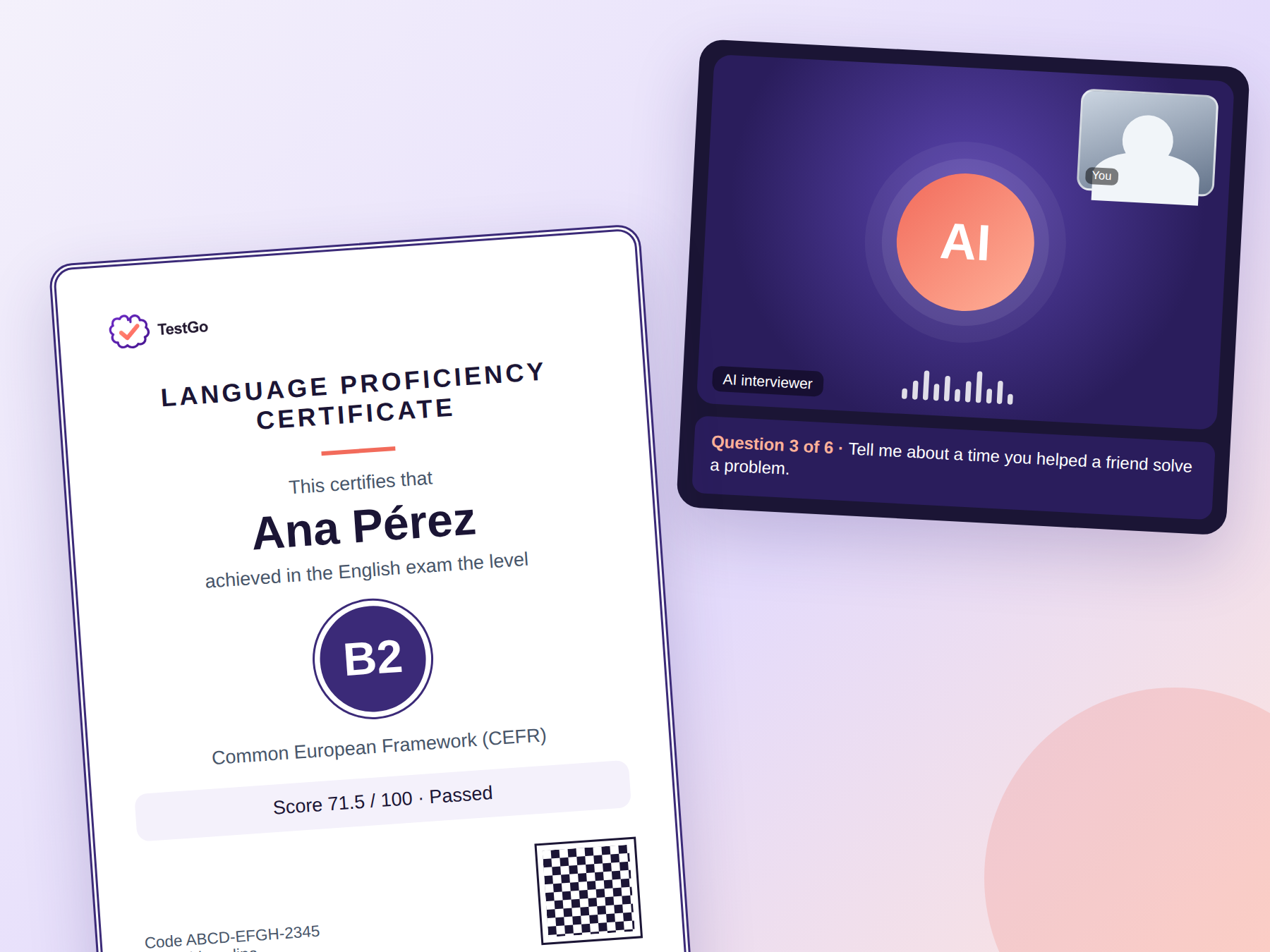
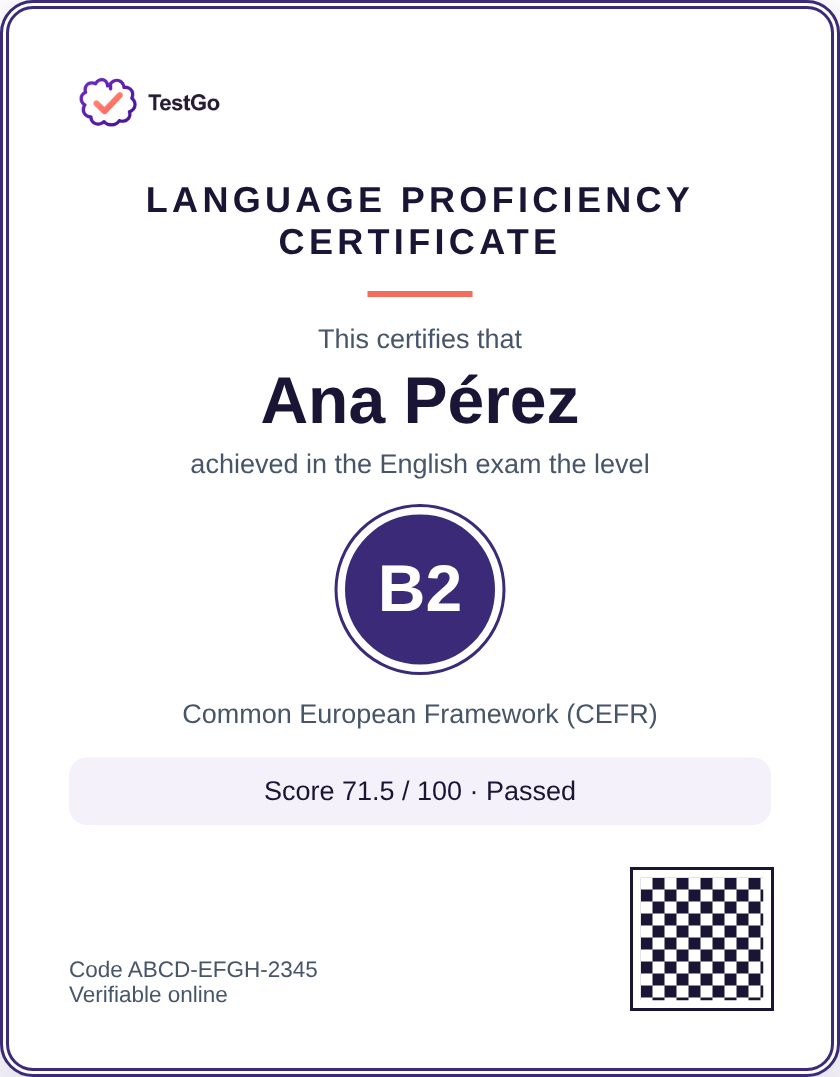
An AI interviewer talks with the person in the exam language: turn by turn or live, like a video call and without buttons. The interview is recorded so a person can review it.
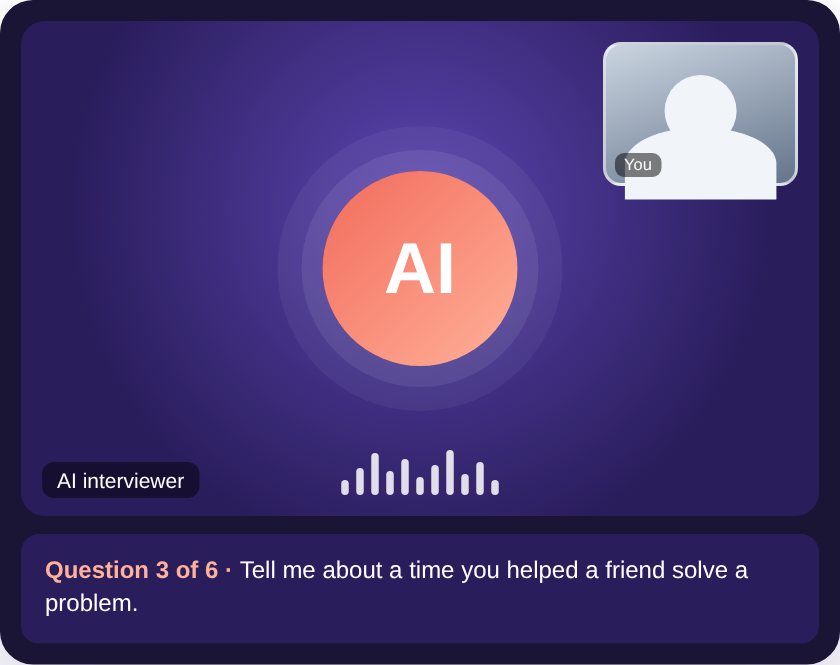
A PDF with the Common European Framework level (A1–C2), a code and a QR to check its authenticity online. In English, with Spanish and Portuguese if you want, and with your institution's logo.
The whole process, from invitation to certificate, in one place.
Grammar, vocabulary, reading, listening and writing, from A1 to C2. Generated for each person and adapted to their level.
Questions with branching based on the person's answers. Create them from a PDF, an image or a Word file.
Photos and video during the exam and alerts for suspicious situations, so a person can review them.
Every score can be reviewed. Your team handles requests from the dashboard.
Single or bulk invitations, results, exports, alerts, templates and usage. In Spanish, English and Portuguese.
Coming soon · Each person will see all their exams and certificates, from any institution, with their email and a code.
Coming soon · The code and the invitation also by WhatsApp, along with email.
Coming soon · A starting photo and checks that it is the same person, chosen by each institution.
Choose the sections, the minimum score, proctoring and whether the certificate carries your logo.
Send the link by email to one person or a list. They sign in with the link and a code: no accounts.
They take the exam, the interview and the form from a computer or a phone.
You get the score, the level and the alerts. The person gets their certificate.
Taking an exam with TestGo is simple. Most of the time an institution or company invites you; soon you will also be able to buy your exam here.
Your institution or employer emails you a link. You don't need to create an account.
Do it from your phone or computer, within the invitation's deadline.
Download it, share it and always find it in My exams with your email and a code.
Coming soon: buy your exam. There is no direct sale yet; exams are taken by invitation.
We work with people's data: we handle it with care.
Personal data, answers and recordings are stored encrypted.
An institution never sees another's people or results.
People are told an AI evaluates them, that there is a recording and that they can ask for a human review.
Kept for a defined time and deleted on request.
Checked with their code, without showing extra personal data.
If voice or the network fails, the interview continues in another mode.
Today we assess English, and the dashboard is in Spanish, English and Portuguese. More languages are on the way: each one is published once its level criteria have been reviewed by specialists.
With the certificate's code, anyone can check its status, level and validity.
No. The institution sends you a link; when you open it we email you a 6-digit code and you sign in with it.
An artificial intelligence calculates the score, and you are always told. If you disagree, you can ask for a person to review it.
Some exams record the interview and take photos or video to check it is you. You are told before you start and only authorized people can review it.
You can reopen your link within the period the institution set and continue where you left off.
Each certificate has a code and a QR. Verifying it shows its status, level and validity date.
Sign in to the dashboard with your Conpakta account, create the profile and the exam setup, and invite your first people.
Sign in with your Conpakta account, create your first setup and invite your first people.